Trending
Est. value
$8-$45
Clear Quartz
Quartz family
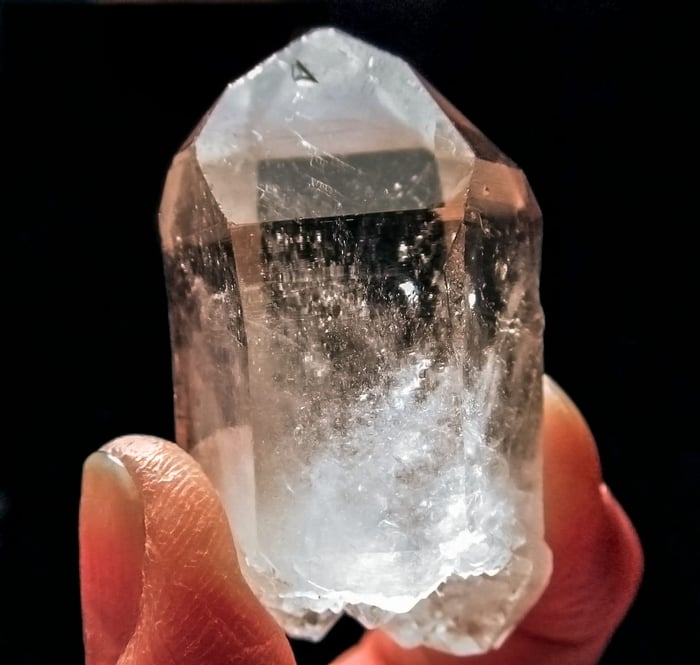
Mohs 7View details
Upload a crystal photo and get identification results in seconds. Works directly in your browser.
Identify gemstones, minerals, and collector crystals online. Great for collectors, jewelry resellers, students, and anyone asking "what crystal is this?"
Upload one clear photo and compare your top matches
STEP 01
Take a clear, close photo in natural light. We accept JPG, PNG, and WebP up to 6MB.
STEP 02
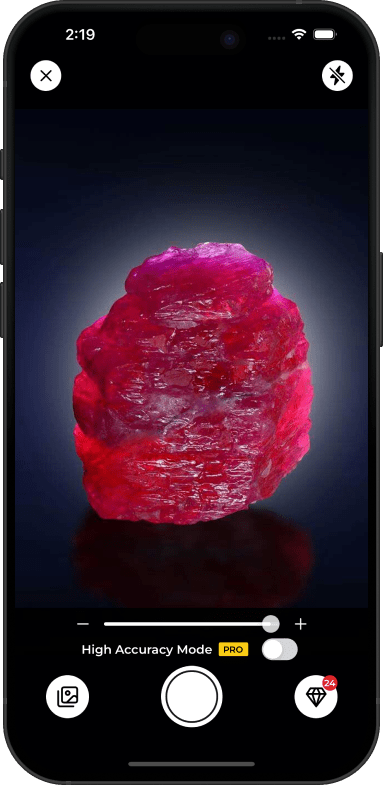
We analyze color zoning, transparency, luster, growth pattern, and crystal form.
STEP 03
Get top matches with confidence scores, description, and estimated value range.
Top searched crystals with rough value ranges for collector-grade pieces
Est. value
$8-$45
Clear Quartz
Quartz family
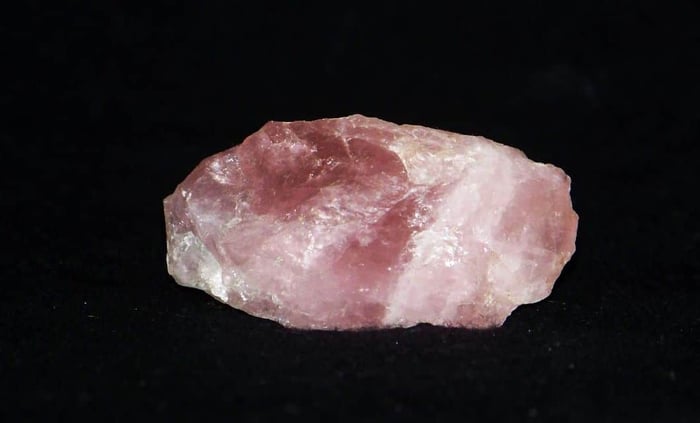
Est. value
$10-$60
Rose Quartz
Quartz family
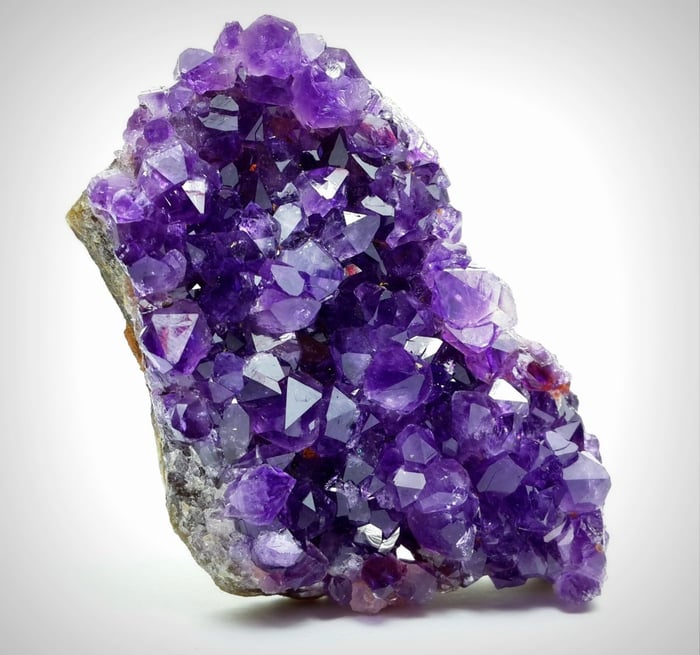
Est. value
$15-$120
Amethyst
Quartz family
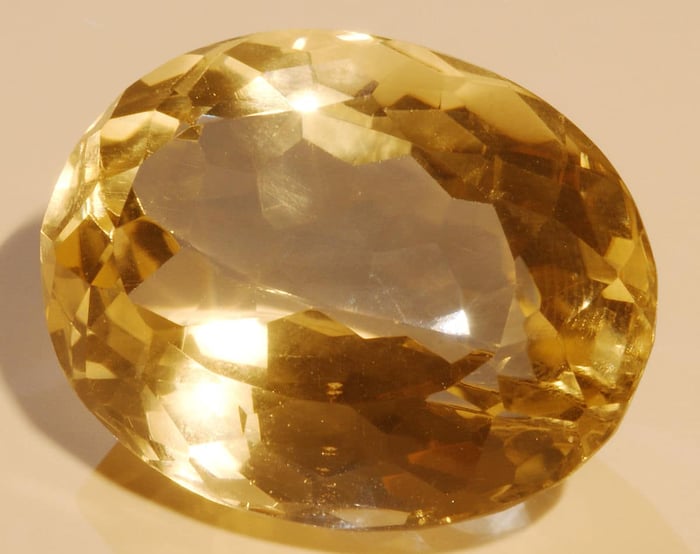
Est. value
$20-$140
Citrine
Quartz family
Est. value
$18-$95
Labradorite
Feldspar family
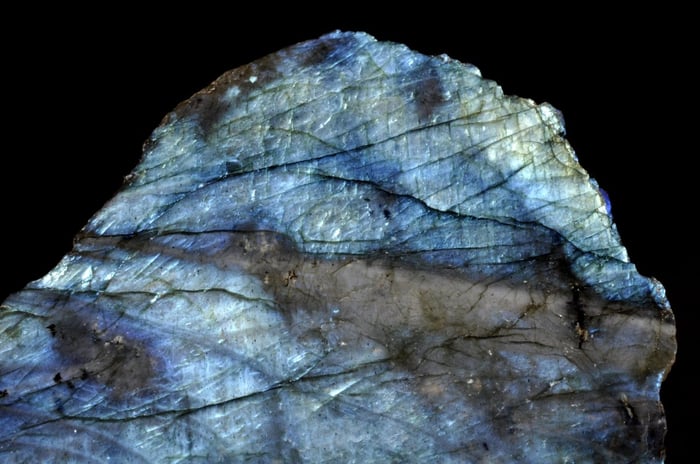
Est. value
$25-$180
Moonstone
Feldspar family
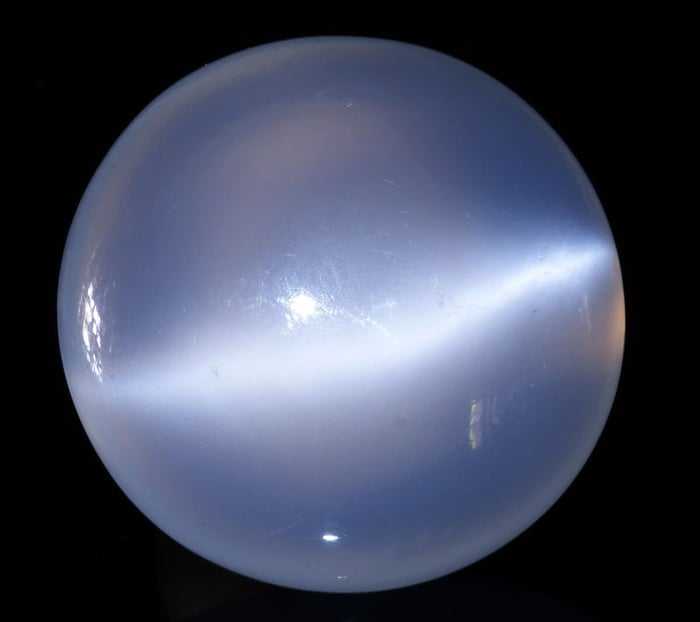
Est. value
$12-$70
Obsidian
Volcanic glass
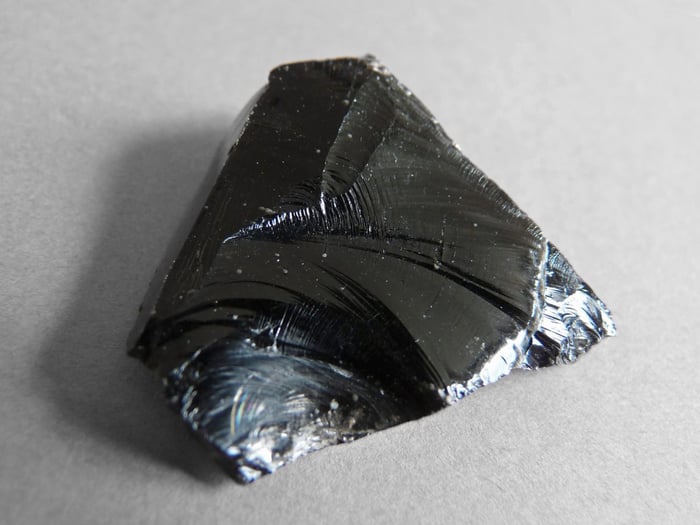
Est. value
$15-$90
Fluorite
Halide mineral
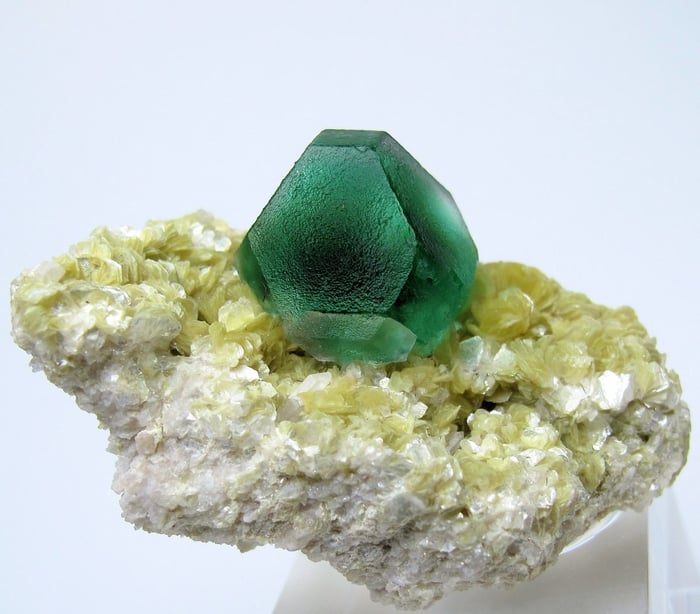
Value ranges are rough estimates for natural specimen pieces and vary by size, color, clarity, and origin.
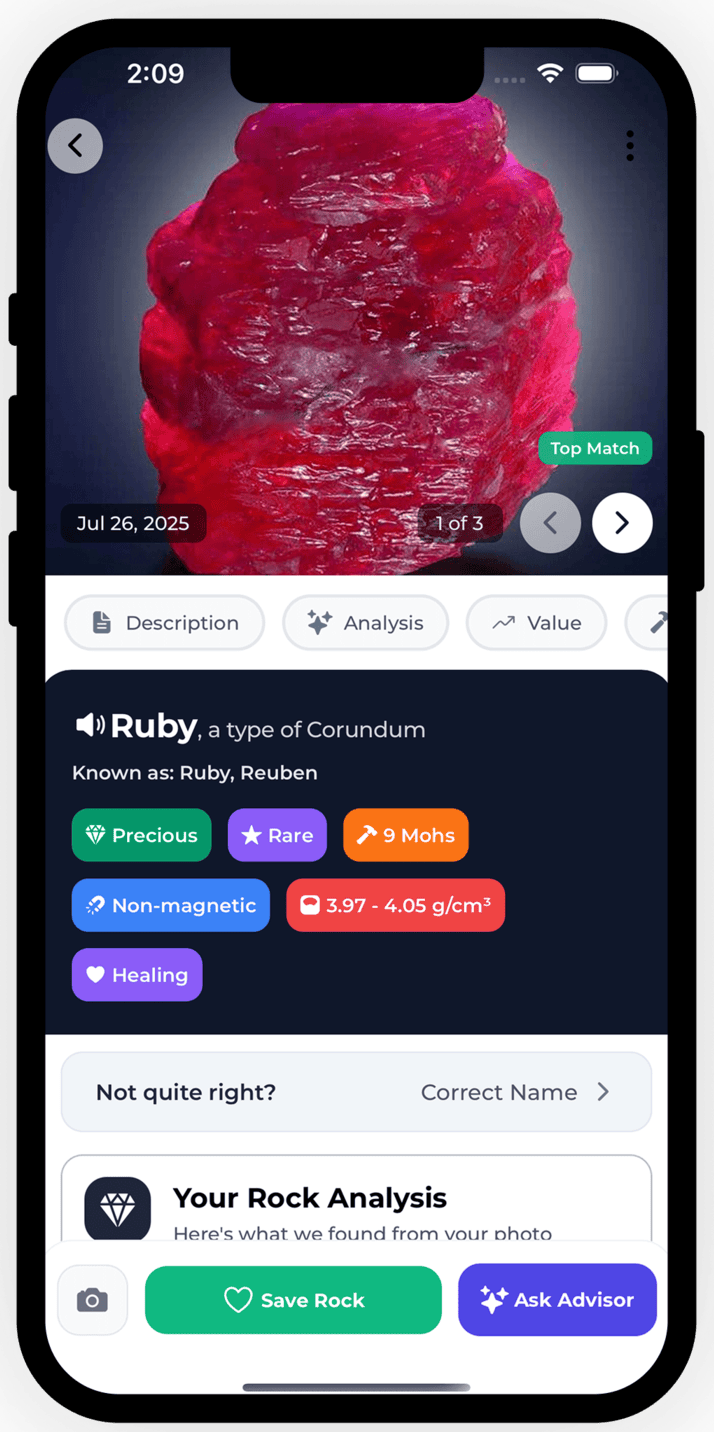
Fast identification online now, then deeper tools in the app.
Designed to identify common and collector crystals including quartz varieties, beryl, corundum, and more.
See top options side-by-side with confidence scores so you can compare similar-looking specimens.
No app install required to test your first crystal identification online.
Best in the Ruby Glint app
Better photos mean stronger crystal matches
Use Natural Light
Shoot near a window or outdoors. Natural light preserves true crystal color and transparency.
Capture Edges and Faces
Show crystal points, cleavage, or growth faces to improve match quality.
Use a Plain Background
Place your specimen on white or neutral background so the crystal stands out.
Avoid Wet Surfaces
Water can deepen colors and add glare, which makes identification less reliable.
Avoid Flash
Flash can blow out highlights and hide inclusions or internal texture.
Avoid Blurry Shots
Blurry photos hide fine details like striations, fracture patterns, and clarity zones.
Ruby Glint app gives you unlimited identifications, saved crystal history, value estimates, and a powerful rockhounding map.
Get answers to common questions about rock identification, rockhounding, and using our platform.
Yes. Upload a photo and get crystal identification results directly in your browser at no cost.
It can identify many common crystals, gemstones, and minerals including quartz varieties, amethyst, topaz, sapphire, ruby, jade, and more.
Accuracy depends heavily on photo quality. Clear, well-lit close photos usually produce stronger matches and confidence scores.
No. This is a free online crystal identifier. The app is optional if you want saved history and unlimited identifications.
Many crystals share similar colors and surface patterns in photos. Multiple matches help you compare close options before deciding.
Use natural light, keep the crystal dry, capture clear close-up images, and include edges or crystal faces when possible.
Scroll up and upload your crystal photo now. No account required.

